Patent drawings are one of the most critical parts of a patent application. In many cases, an invention cannot be fully understood without a clear visual representation. That is why the United States Patent and Trademark Office (USPTO) requires drawings that accurately disclose the invention and strictly follow specific formatting and presentation rules.
With modern advancements, digital tools have become the preferred method for preparing professional patent drawings. Digital drafting software makes it easier to create clean, precise, reproducible illustrations that meet USPTO standards. However, simply using software is not enough, understanding compliance rules and best practices is essential to avoid drawing objections and filing delays.
This guide explains how digital tools can be used effectively for patent drawing preparation, along with recommended software and USPTO-compliant tips.
Table of Contents
ToggleWhy Digital Tools Are Important for Patent Drawings
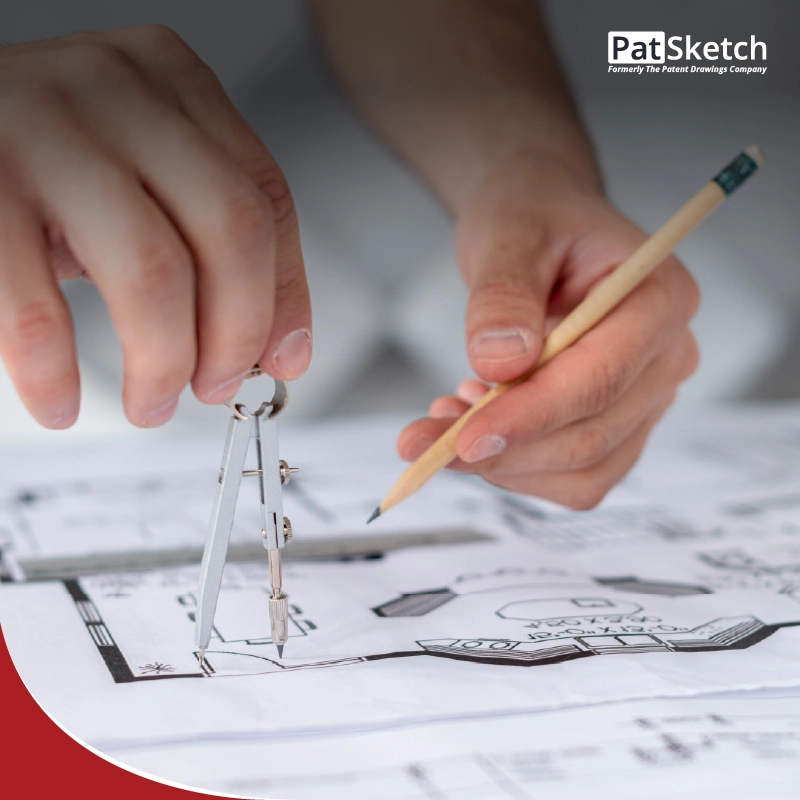
Traditional hand-drawn figures are difficult to revise, scale, or reproduce consistently. Digital tools provide major advantages for inventors, patent professionals, and illustrators, including:
- Exact scaling and alignment
- Consistent line thickness across figures
- Easy placement and editing of reference numerals
- Quick revisions during patent prosecution
- High-quality output suitable for filing and reproduction
According to 37 CFR §1.81 and §1.84, patent drawings must be clear, legible, and suitable for reproduction. Digital drafting tools help meet these requirements by eliminating distortions and maintaining uniform quality across all sheets.
During examination, USPTO examiners may request corrections in figure labeling or formatting. Editable digital files allow these updates without compromising the drawing quality.
USPTO Patent Drawing Requirements (Explained Simply)
Before selecting software, it is important to understand the basic USPTO drawing rules:
1. Black-and-White Line Quality
Patent drawings must be created in black ink with solid, well-defined lines. Grayscale is generally discouraged because it may not reproduce properly.
2. Limited Use of Shading
Shading is allowed only when necessary to show surface contours or shape. Excessive shading can lead to objections.
3. Photographs Are Rarely Accepted
Photographs are generally not permitted unless drawings are impractical, such as in certain biological or chemical inventions.
4. Correct Sheet Size and Margins
USPTO drawing sheets must be:
- 8.5 × 11 inches (US Letter) or A4
- Clean, white, and free from borders
- Properly margined so nothing is cut off during scanning
5. Consistent Reference Numerals
Reference numbers must remain consistent across all figures and must match the written description exactly.
Non-compliant drawings may trigger a Notice to File Corrected Application Papers, delaying examination and increasing prosecution costs.
Recommended Digital Software for Patent Drawings
Digital patent drawings typically involve two main stages: technical drafting and final formatting. The following tools are commonly used in professional workflows.
1. CAD Software (Best for Mechanical Inventions)
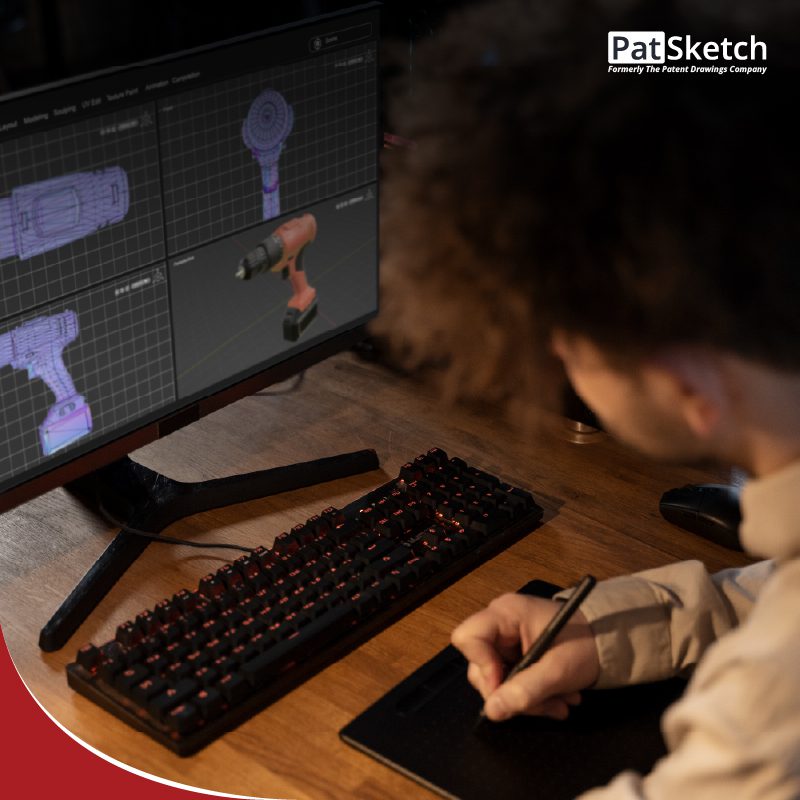
Computer-Aided Design (CAD) tools are ideal for inventions involving mechanical structures, components, or assemblies. CAD allows precise control over geometry and dimensions, making it easier to generate multiple views, such as:
- Front, side, and top views
- Cross-sectional views
- Exploded assembly views
Popular CAD tools include:
- AutoCAD
- SolidWorks
- Fusion 360
- FreeCAD (open-source)
CAD drawings are often exported and refined further using vector software to meet USPTO presentation standards.
2. Vector Graphics Software (Best for Final Patent Figures)
Vector software is widely used to finalize patent drawings because it produces clean, scalable line work. Vector drawings maintain quality regardless of resizing, which is essential for USPTO reproduction requirements.
Recommended tools include:
- Adobe Illustrator
- CorelDRAW
- Inkscape (free alternative)
Vector programs are especially useful for:
- Smooth line refinement
- Reference numeral placement
- Consistent formatting across sheets
3. Supporting Digital Tools for Better Workflow
Professional patent illustrators often rely on additional tools to improve efficiency:
- Drawing Tablets for freehand sketching and annotations
- PDF Editors to verify margins, sheet size, and layout
- Alignment and Measurement Tools to ensure spacing consistency
These tools help reduce errors before submission.
Best Practices for Creating USPTO-Compliant Digital Patent Drawings
Even with the best software, compliance depends on technique. Follow these best practices:
1. Start with Rough Concept Sketches
Begin with simple sketches to determine figure structure before drafting the final digital version.
2. Use Layers for Organization
Separate outlines, shading, and numerals into different layers for easier editing.
3. Maintain Uniform Line Thickness
Line weight must remain consistent across all figures to ensure clarity in reproduction.
4. Keep Reference Numerals Clear
Numerals should be readable, properly positioned, and never overlap important drawing elements.
5. Perform a Final Compliance Review
Before filing, check:
- Margins
- Sheet size
- Numbering consistency
- USPTO formatting requirements
6. Always Save Editable Source Files
Patent prosecution often requires revisions. Keeping editable formats prevents costly redraws.
International Filing Considerations (PCT, EPO, and More)
If drawings are intended for international applications such as PCT or EPO filings, additional care is needed. While rules are similar, some jurisdictions enforce stricter clarity and formatting expectations. High-quality digital drawings make it easier to adapt figures for multiple patent offices without rework.
Conclusion
Digital tools have transformed the patent drawing process, allowing inventors and professionals to create precise, clean, and reproducible figures. When used correctly and in accordance with USPTO requirements, these tools reduce objections, prevent delays, and strengthen the overall patent application.
However, patent drawings are not just illustrations; they are legal documents that must meet strict standards. If you need professionally prepared USPTO-compliant patent drawings for utility or design patent applications, expert illustrators can help ensure accuracy, compliance, and faster filing success